How to Audit a WordPress Website
Regularly auditing your WordPress website helps keep it secure, fast, useful, and visible in search.
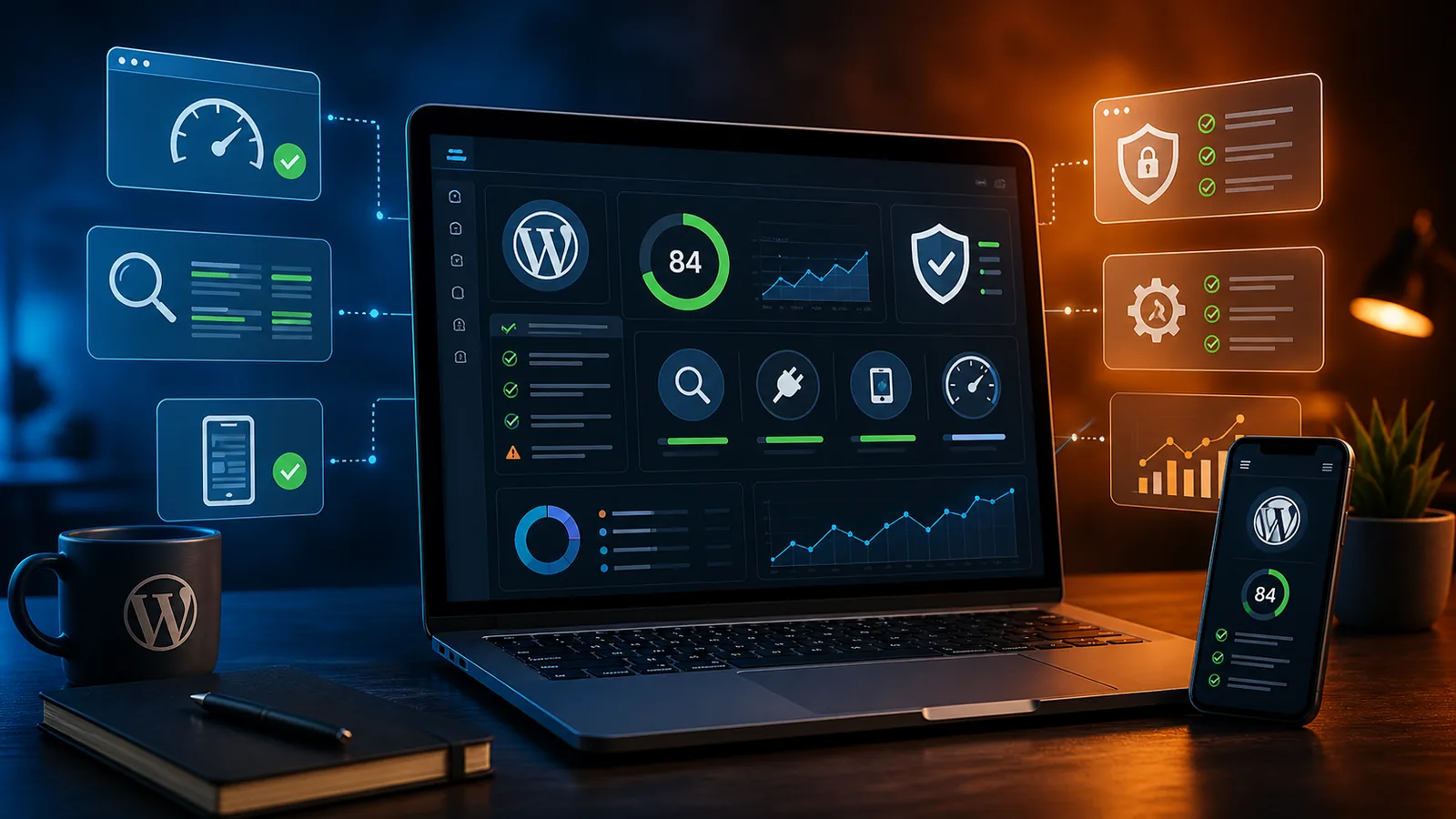
Regularly auditing your WordPress website is one of the best ways to keep it secure, fast, useful, and visible in search. A website can look fine on the surface while still having outdated plugins, broken links, slow pages, weak calls to action, or hidden SEO issues. A proper audit helps you catch those problems before they affect visitors, leads, rankings, or revenue.
Whether your site is a small business brochure site, an ecommerce store, or a larger content hub, a WordPress audit gives you a clearer picture of what is working and what needs attention.
What is a WordPress Audit?
A WordPress audit is a structured review of your website's front-end experience, back-end setup, technical health, security, content, and SEO foundation. The goal isn't just to find problems, but to understand how well the site supports your business goals.
A good audit looks at how visitors move through the site, whether pages load quickly, whether important content is easy to find, and whether the site is being maintained properly.
A complete WordPress audit usually reviews:
- Design and user experience
- Mobile responsiveness
- Site speed and performance
- Plugin, theme, and WordPress core updates
- Security risks
- Backups and restore options
- Broken links and 404 errors
- SEO structure and metadata
- Content quality and accuracy
Front-End Audit
The front-end audit focuses on what visitors actually see and experience when they land on your website. Review the design, navigation, page layout, mobile experience, buttons, forms, images, and calls to action to make sure the site feels clear and professional.
Test important user paths, such as going from the homepage to a service page, filling out a contact form, or finding key business information. You should also check for broken images, confusing page sections, inconsistent styling, and anything that makes the site feel unfinished or difficult to use.
Key front-end items to review include:
- Homepage clarity
- Mobile layout
- Navigation menus
- Contact forms
- Buttons and calls to action
- Image quality and loading behavior
- Service page structure
- Footer links and contact information
Back-End Audit
The back-end audit focuses on the parts of WordPress that visitors don't see but that directly affect performance, security, and stability. Start by checking whether WordPress core, themes, and plugins are up to date.
Remove inactive plugins and unused themes, especially if they're no longer supported or haven't been updated in a long time. Review user accounts, admin access, hosting settings, PHP version, database health, and any plugins that may be creating unnecessary bloat.
Back-end items to check include:
- WordPress core version
- Active and inactive plugins
- Theme updates
- PHP version
- Database health
- User roles and admin access
- Hosting environment
- Error logs
- Unused media files
- Unnecessary plugins or duplicate features
A clean back end makes the site easier to maintain and reduces the risk of future issues.
Broken Links and 404 Errors
Broken links create a poor user experience and can make your website feel neglected. They often happen when pages are deleted, URLs are changed, products are removed, or old blog posts link to outdated resources.
Use a crawling tool to scan the site for 404 errors, broken internal links, broken external links, and missing images. Once you find them, update the links, restore the missing pages when appropriate, or add 301 redirects to send visitors and search engines to the correct destination.
Common issues to look for include:
- Broken internal links
- Broken external links
- Deleted pages with no redirect
- Missing images
- Incorrect menu links
- Outdated blog post references
- Old campaign or landing page URLs
Security Vulnerabilities
WordPress security should be a regular part of every website audit, not something you only think about after a problem happens. Check for outdated plugins, abandoned themes, weak passwords, unnecessary admin accounts, missing security headers, and suspicious login activity.
Security plugins can help monitor threats, but they're not a replacement for basic maintenance and responsible site management. The most important steps are keeping software updated, using strong login protection, choosing reliable hosting, and limiting access to only the people who actually need it.
Security items to review include:
- Outdated plugins
- Abandoned themes
- Weak admin passwords
- Too many administrator accounts
- Missing two-factor authentication
- Suspicious login attempts
- Lack of firewall protection
- Missing SSL certificate
- No recent malware scan
- Poor file permissions
Backups
Backups are only useful if they exist, run consistently, and can actually be restored. During an audit, confirm that your site has scheduled backups for both the files and the database. Make sure those backups are stored somewhere safe, ideally outside the main hosting account.
It's also smart to test a restore on a staging site so you know the backup works before you ever need it in an emergency.
A strong backup setup should include:
- Automated scheduled backups
- File backups
- Database backups
- Off-site storage
- Clear restore process
- Backup history
- Occasional test restores
A tested backup system gives you a real recovery plan instead of false confidence.
Content Audit
A content audit helps you understand whether your website still reflects your business accurately. Review service pages, blog posts, contact information, pricing references, team details, testimonials, images, and calls to action to make sure everything is current.
Look for thin pages, duplicated content, outdated claims, missing internal links, and posts that could be improved or consolidated. This is also a good time to identify content gaps, such as missing service pages, location pages, FAQs, or articles that answer common customer questions.
Content areas to review include:
- Homepage messaging
- Service descriptions
- Blog posts
- Contact information
- Testimonials
- Case studies
- Pricing references
- Staff or company information
- Calls to action
- FAQs
- Location or service area content
Caching
Caching helps your website load faster by reducing the amount of work the server has to do for repeat visitors. During an audit, check whether caching is enabled and whether it's configured correctly for your theme, plugins, forms, ecommerce features, and logged-in users.
Poor caching settings can sometimes break layouts, prevent forms from updating, or show outdated content. A good setup should improve speed without interfering with important site functionality.
Caching items to review include:
- Page caching
- Browser caching
- Object caching
- CDN configuration
- Cache exclusions for forms or carts
- Mobile cache behavior
- Logged-in user cache settings
- Cache clearing rules after updates
For larger sites, pairing caching with a CDN can also improve performance for visitors in different locations.
Performance
Performance affects user experience, search visibility, and conversion rates. A slow WordPress site can be caused by oversized images, too many plugins, render-blocking scripts, cheap hosting, bloated themes, excessive tracking scripts, or poorly configured caching.
Test key pages, especially the homepage, service pages, blog posts, product pages, and contact page. The goal isn't just a better score, but a faster experience for real visitors.
Practical performance improvements may include:
- Compressing oversized images
- Removing unnecessary plugins
- Limiting third-party scripts
- Improving hosting quality
- Cleaning up CSS and JavaScript
- Enabling proper caching
- Using a CDN
- Reducing unused fonts
- Optimizing video embeds
- Reviewing tracking scripts
SEO Audit
An SEO audit checks whether your website is structured in a way that search engines and customers can understand. Review page titles, meta descriptions, headings, internal links, image alt text, schema, indexing status, sitemap settings, and URL structure.
Make sure each important page has a clear purpose and targets a specific search intent instead of competing with other pages on the site. For local businesses, also check whether service areas, location signals, contact information, and Google Business Profile alignment are consistent.
Important SEO items to check include:
- Page titles
- Meta descriptions
- H1 and H2 structure
- Internal links
- Image alt text
- URL structure
- Sitemap status
- Indexing issues
- Schema markup
- Duplicate content
- Service page targeting
- Local SEO signals
- Google Business Profile consistency
Strong SEO starts with a site that's technically sound, clearly organized, and useful to the people searching for your services.
WordPress Audit FAQs
How often should I audit my WordPress website?
A basic WordPress audit should happen at least once a month, especially for updates, backups, security, forms, and broken links. A deeper audit should happen every quarter or before any major redesign, SEO campaign, plugin change, or hosting move. Websites change over time, and regular reviews help prevent small issues from turning into bigger problems.
What should I look for during a WordPress audit?
Start with the essentials: outdated software, broken links, slow pages, missing backups, weak security, form problems, and SEO issues. Then review the quality of the content, the clarity of the navigation, and whether the site still supports your current business goals. A strong audit looks at both technical health and business usefulness.
How can I prevent security issues?
Keep WordPress core, plugins, and themes updated, and remove anything you're not actively using. Use strong passwords, limit admin access, enable login protection, and choose hosting that takes security seriously. It's also important to maintain reliable backups so you have a recovery option if something goes wrong.
Do I need a professional WordPress audit?
You can handle many basic checks yourself, especially if your site is small and you're comfortable working inside WordPress. A professional audit is useful when the site has performance problems, SEO issues, plugin conflicts, ecommerce features, custom code, or a history of inconsistent maintenance. It can also save time by identifying the highest-priority fixes instead of guessing.
Final Thoughts
A WordPress audit isn't just a technical checklist. It's a practical way to make sure your website is secure, usable, fast, findable, and aligned with your business. When done regularly, it helps protect your investment and gives you a clearer path for future improvements.
If your site feels slow, outdated, hard to manage, or disconnected from your marketing goals, an audit is a smart place to start.
SiteBuilder Design can help review your website, identify the most important issues, and turn the findings into a clear action plan.
Related service hub
Continue with Local SEO for Small Businesses
Strengthen metadata, internal linking, local visibility, and technical SEO foundations.
View the service hubNeed a clearer system?
Let’s make your website work harder.
SiteBuilder Design builds websites, SEO foundations, eCommerce flows, AI support, and follow-up systems that work together.