AI Chatbots for Small Business: What They Should and Shouldn’t Do
Learn how AI chatbots can answer questions, capture leads, support follow-up, and hand off safely to a real person.
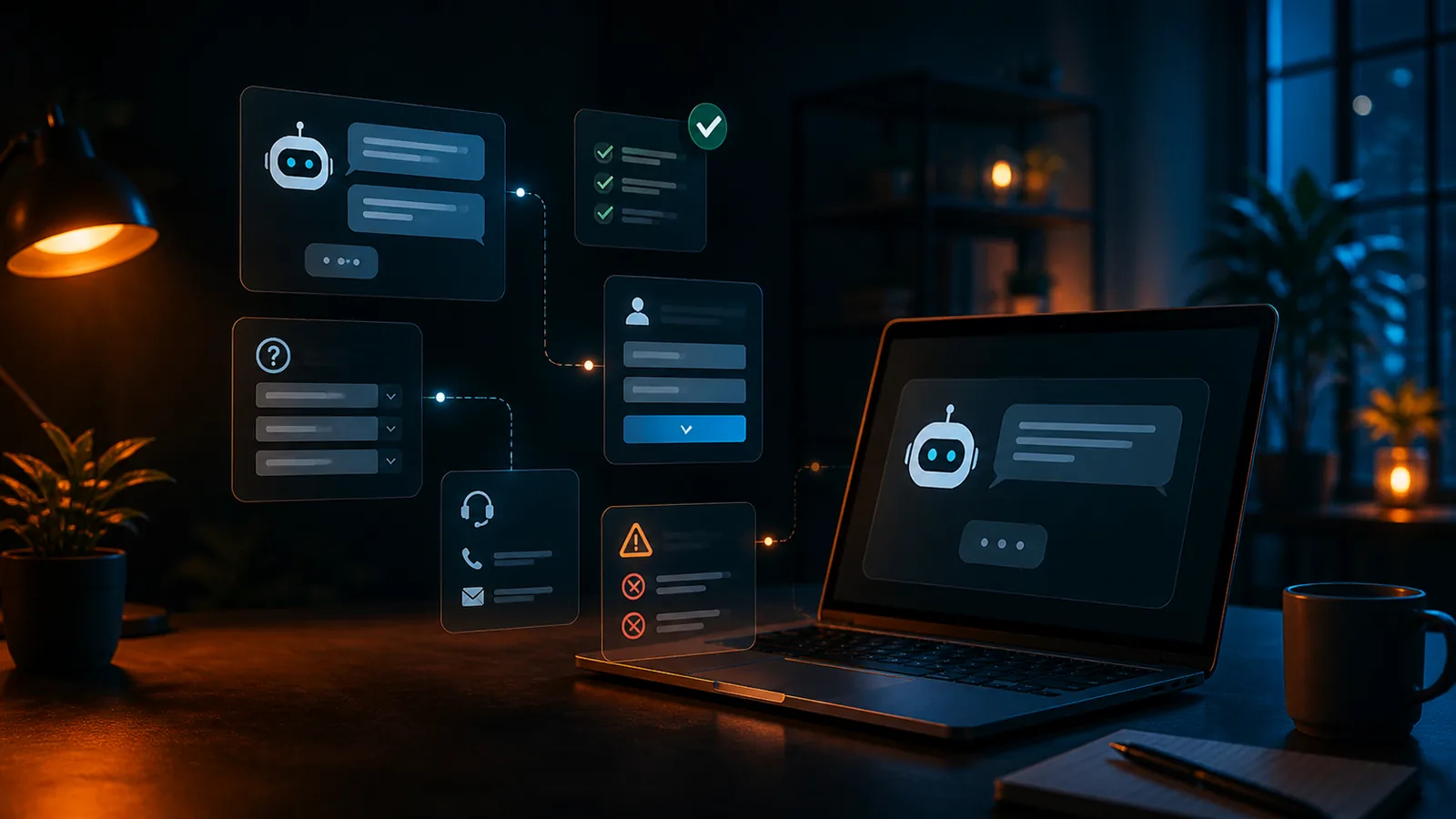
AI chatbots can be useful for small businesses, but only when they have a clear job.
A good chatbot should not feel like a generic AI widget pasted onto a website. It should understand the business, answer common questions, guide visitors toward the right next step, and know when to hand off to a real person.
A bad chatbot does the opposite. It interrupts visitors, guesses at answers, collects too much information too soon, or creates more confusion than it solves.
For small businesses, the goal isn't to replace human service. The goal is to make the website more helpful, more responsive, and more connected to the way the business actually handles leads and customers.
SiteBuilder Design’s AI chatbot and automation services help small businesses train assistants around real services, FAQs, lead questions, brand voice, calls to action, and handoff rules.
Good Chatbot vs. Bad Chatbot
Before adding AI to a small business website, it helps to understand the difference between a helpful chatbot and a frustrating one.
A good chatbot:
- Answers common questions accurately
- Guides visitors to the right page or next step
- Helps people choose the right service
- Collects useful lead details without overwhelming the visitor
- Sets clear expectations
- Connects to forms, booking, email, or follow-up
- Knows when to hand off to a person
- Matches the tone of the business
A bad chatbot:
- Guesses at answers
- Interrupts the visitor too aggressively
- Gives fake pricing or makes promises the business can't keep
- Collects unnecessary personal information
- Sends every visitor through the same script
- Hides basic contact options
- Sounds disconnected from the website
- Traps people instead of helping them
The difference is planning.
AI works best when it supports a clear website, clear services, clear offers, and a clear follow-up process. It works poorly when it's added on top of confusing content, weak service pages, or a broken lead process.
This is also a website design problem. A strong small business website should make the next step obvious, whether that means calling, booking, requesting a quote, buying, or joining an email list.
What an AI Chatbot Should Do
A chatbot should help visitors move forward.
That doesn't mean it has to answer every possible question or act like a full customer service department. For many small businesses, the best chatbot has a focused role.
It should help with the questions and actions that happen most often.
1. Answer Common Questions
A good small business chatbot should answer common questions clearly and consistently.
These might include:
- What services do you offer?
- What areas do you serve?
- How much does this usually cost?
- How do I get a quote?
- How do I book a consultation?
- What are your hours?
- Do you work with my type of business?
- What happens after I contact you?
- Do you offer emergency, rush, or priority service?
- What should I prepare before a call or appointment?
This is especially useful when visitors are comparing options after hours or trying to decide whether your business is the right fit.
The chatbot should answer based on approved business information, not guesses. That means it needs training content such as service descriptions, FAQs, policies, pricing guidance, process details, and preferred language.
Good chatbot setup includes approved knowledge, fallback responses, and escalation rules. That's why SiteBuilder Design’s AI implementation process includes testing common questions, edge cases, and handoff paths before launch.
Audit questions
- What questions do customers ask over and over?
- Are the answers already written clearly on the website?
- Should the chatbot answer directly, link to a page, or collect contact details?
- What topics should the chatbot avoid?
- What should it say when it's unsure?
2. Guide Visitors to the Right Next Step
A chatbot should not only answer questions. It should help the visitor take the next useful step.
Depending on the business, that next step might be:
- Request a quote
- Book a consultation
- Call the business
- View a service page
- Read an FAQ
- Submit project details
- Choose a product category
- Join an email list
- Start a support request
- Get directions or confirm service area
A visitor who asks about pricing may need a quote form.
A visitor who asks whether you offer a service may need the relevant service page.
A visitor who is ready to talk may need a booking link.
A visitor who isn't sure what they need may need a short guided question flow.
This is where AI should support the structure of the website instead of replacing it. The chatbot should point people toward the pages, forms, and actions that already matter.
For example, if a visitor asks about website redesign, the chatbot can summarize the offer, send them to small business website design, and offer a consultation or website review.
Audit questions
- What are the most important actions visitors should take?
- Which pages should the chatbot recommend?
- Should different services have different next steps?
- Does the chatbot support the page the visitor is already on?
- Does the chatbot make action easier or add another layer of friction?
3. Capture Better Leads
A chatbot can improve lead capture when it asks the right questions at the right time.
Instead of sending everyone to a generic contact form, the chatbot can collect useful details conversationally.
For example:
- Name
- Phone number
- Service needed
- Location or service area
- Timeline
- Budget range, if appropriate
- Website URL, if relevant
- Order number, if relevant
- Project notes or support details
The key is restraint.
A chatbot should collect enough information to help the business respond well, but not so much that the visitor feels interrogated.
A good rule: only ask for information that helps the business respond, qualify the request, or route the visitor to the right next step.
For many small businesses, start with the lightest useful version:
- What do you need help with?
- What service are you interested in?
- What is your preferred contact method?
- What is your timeline?
- What is the best way to reach you?
Lead capture works best when the chatbot connects to a real process. See how to connect forms, email, booking, and follow-up into one workflow so chatbot inquiries don't disappear into an inbox.
Audit questions
- What information does the business need to respond well?
- What can wait until a later conversation?
- Where should chatbot leads be sent?
- Who receives the notification?
- What happens after the chatbot captures a lead?
4. Support Booking and Follow-Up
A chatbot can help visitors book at the right moment.
That doesn't mean every visitor should be pushed into a calendar immediately. Some visitors need answers first. Some need to submit details. Some need a quote. Some need to talk to support. Some are still exploring.
A useful chatbot can offer booking when the visitor shows intent.
Examples:
- “Would you like to schedule a consultation?”
- “Do you want to book a service call?”
- “Would you like to send project details first?”
- “Do you want us to follow up by email?”
- “Would you like a link to compare website packages?”
The chatbot should also connect to follow-up.
That might include:
- Sending a confirmation email
- Creating an internal notification
- Adding the lead to a CRM or spreadsheet
- Tagging the lead by service interest
- Triggering a follow-up reminder
- Sending a booking link
- Routing support requests to the right person
This is where the chatbot becomes part of the Core-4 marketing system: visibility, trust, lead capture, and follow-up work together instead of acting like disconnected tools.
Audit questions
- When should the chatbot offer booking?
- Should booking happen before or after qualification?
- What follow-up should happen after a chatbot conversation?
- Does the team receive a useful summary?
- Are chatbot leads tracked separately from regular form submissions?
5. Help Visitors Outside Business Hours
Many small businesses miss opportunities because visitors arrive after hours.
A chatbot can help by answering basic questions, setting expectations, collecting details, and guiding people toward the right next step even when no one is available live.
This can be especially useful for:
- Local service businesses
- Consultants
- Health and wellness businesses
- Real estate professionals
- Ecommerce stores
- Creative service providers
- Professional services
- Restaurants, shops, and appointment-based businesses
The chatbot should not pretend the business is open if it's not. It should clearly explain what it can do now and when a person will respond.
For example:
We're not available live right now, but I can answer common questions, collect your details, or help you request a consultation. A real person will follow up during business hours.
That kind of message is honest, useful, and clear.
Audit questions
- What do visitors need after hours?
- Which questions can be answered automatically?
- What should wait for a person?
- Does the chatbot clearly explain response times?
- Does after-hours lead capture connect to follow-up?
What an AI Chatbot Should Not Do
AI chatbots are useful when they have boundaries.
Without boundaries, they can damage trust, create confusion, collect the wrong information, or give visitors answers that the business can't support.
Here are the biggest mistakes to avoid.
1. It Should Not Pretend to Know Everything
A chatbot should not make up answers.
If it doesn't know, it should say so clearly and offer a helpful next step.
A good fallback response might be:
I don't want to guess on that. I can collect your question and have someone follow up, or you can contact the team directly.
This is much better than giving a confident but incorrect answer.
Small businesses should be especially careful with questions about:
- Pricing guarantees
- Legal advice
- Medical or health advice
- Financial claims
- Availability
- Refunds
- Policies
- Timelines
- Technical support promises
- Emergency situations
The chatbot should use approved answers for sensitive topics and escalate when needed.
Audit questions
- What topics require a human answer?
- What should the chatbot never promise?
- Does the chatbot have fallback language?
- Can visitors easily contact a person?
- Are pricing and policy answers reviewed before launch?
2. It Should Not Replace Clear Website Content
A chatbot should support your website, not cover up weak content.
If your service pages are vague, your pricing guidance is missing, your contact options are unclear, or your calls to action are weak, a chatbot won't fix the real problem.
It may even make the problem more obvious.
Before adding AI, make sure the website itself explains:
- What you do
- Who you help
- Where you work
- What services you offer
- What makes you credible
- What the next step is
- How people can contact you
- What happens after they reach out
A chatbot should not sit on top of a weak website. It works best when your service pages, calls to action, local visibility, forms, analytics, and follow-up are already working together. That's the foundation of SiteBuilder Design’s Core-4 marketing system and small business website design approach.
Audit questions
- Are your main service pages clear enough without the chatbot?
- Are contact options easy to find?
- Does each major page have a clear CTA?
- Does the chatbot link to useful pages?
- Is the chatbot compensating for weak content instead of supporting strong content?
3. It Should Not Interrupt Every Visitor
A chatbot should be available, but it should not annoy people.
Aggressive pop-ups, loud greetings, oversized widgets, and repeated prompts can make the website feel pushy.
The best chatbot behavior depends on the page and the visitor’s intent.
For example:
- On a service page, it might offer help after a short delay.
- On a pricing or packages page, it might ask if the visitor wants help choosing an option.
- On a contact page, it might stay quiet unless opened.
- On mobile, it should not block important content or buttons.
The chatbot should feel like help is available, not like someone is standing in the doorway.
Audit questions
- Does the chatbot block important content?
- Is the greeting too aggressive?
- Is the widget mobile-friendly?
- Does it appear at the right time?
- Can visitors close it easily?
4. It Should Not Collect Too Much Too Soon
A chatbot should not ask for unnecessary personal information before it has earned trust.
Asking for too much too early can feel invasive and reduce completions.
For most small businesses, the chatbot should start with the visitor’s need, not a full intake form.
Instead of opening with:
Please provide your full name, phone number, address, budget, and project timeline.
Start with something lighter:
What can I help you with today?
Then ask for contact details only when the visitor wants follow-up, booking, a quote, or support.
This keeps the conversation natural and respects the visitor’s time.
Audit questions
- Does the chatbot ask for personal information too early?
- Are all required fields necessary?
- Can visitors ask questions before sharing contact details?
- Does the chatbot explain why it needs the information?
- Is the lead capture flow short enough to complete?
5. It Should Not Hide the Human Path
Some visitors want automation. Some want a person.
A chatbot should make both paths clear.
It should never trap someone in an endless loop or make it difficult to contact the business directly.
A good chatbot includes a human handoff such as:
- “Talk to a person”
- “Request a callback”
- “Send this to the team”
- “Email support”
- “Call now”
- “Book a consultation”
This matters even more for urgent, complex, sensitive, or high-value inquiries.
Automation should make the business more responsive, not less human.
Audit questions
- Can visitors reach a person when needed?
- Is there a clear handoff option?
- Does the chatbot explain response time?
- Are urgent requests handled differently?
- Does automation stop when a human should take over?
Chatbot Readiness Checklist
Before adding a chatbot to your small business website, make sure your business can answer these questions:
- What is the chatbot’s main job?
- Which questions should it answer?
- Which questions should it avoid?
- What services should it recommend?
- What pages should it send people to?
- What information should it collect from leads?
- When should it hand off to a human?
- What should it say when it doesn't know the answer?
- Who receives chatbot leads?
- What happens after a lead is captured?
- How will chatbot conversations be reviewed and improved?
- How will you know whether the chatbot is helping?
If these answers are unclear, the chatbot may still work technically, but it won't work strategically.
Good Chatbot Use Cases for Small Businesses
The best chatbot use cases are practical.
For many small businesses, useful chatbot roles include:
- Answering service questions
- Helping visitors choose the right service
- Capturing quote requests
- Booking consultations
- Collecting support details
- Explaining next steps
- Recommending helpful pages
- Asking basic qualification questions
- Sending after-hours inquiries to the team
- Supporting ecommerce product questions
- Helping with review or follow-up workflows
For local service businesses, chatbots can support quote requests, service-area questions, and review follow-up as part of a stronger Google Business Profile and local visibility system.
For online stores, chatbots can help answer product questions, explain shipping and returns, recommend categories, and support cleaner ecommerce website workflows.
For consultants and service providers, chatbots can guide visitors toward the right service page, consultation form, or website package.
The best use case depends on where customers get stuck, what questions they ask most often, and what actions you want them to take.
Starter Chatbot Script for a Small Business Website
A simple chatbot opening could be:
Hi, I can help with services, pricing guidance, booking, project questions, or general support. What are you looking for today?
Then offer a few options:
- I need a quote
- I have a question about services
- I want to book a consultation
- I need support
- I am not sure yet
From there, the chatbot can answer common questions, recommend a page, collect lead details, or hand off to a person.
For example:
Visitor: I need a quote.
Chatbot: I can help with that. What service are you interested in?
Visitor: Website redesign.
Chatbot: Great. I can collect a few details and send them to the team, or you can review our website design services first. Which would you prefer?
That kind of flow gives the visitor control while still guiding them toward action.
What a Small Business Chatbot Needs Before Launch
A chatbot needs more than installation code.
Before launch, prepare:
- Core business information
- Service descriptions
- FAQs
- Pricing guidance or pricing boundaries
- Service-area details
- Contact information
- Booking links
- Lead questions
- Handoff rules
- Approved fallback responses
- Pages the chatbot should recommend
- Topics the chatbot should avoid
- Internal notification rules
- Follow-up process
The chatbot should be tested before it goes live.
Test questions like:
- What services do you offer?
- How much does this cost?
- Can I book a call?
- Do you serve my area?
- What happens after I contact you?
- Can I talk to a person?
- What if I need help urgently?
- What if I ask something outside your services?
This testing helps catch unclear answers, missing knowledge, bad routing, and weak handoff paths.
AI Chatbots Work Best Inside a Bigger System
A chatbot isn't a complete marketing system.
It works best when it connects to:
- A clear website
- Strong service pages
- Google Business Profile alignment
- Helpful FAQs
- Lead capture forms
- Booking links
- Email follow-up
- CRM or contact tracking
- Analytics
- Reviews and reputation building
- Content strategy
If the website is unclear, the chatbot has less useful information to work with.
If the lead process is broken, chatbot leads may still disappear.
If follow-up is inconsistent, the chatbot may capture interest without turning it into action.
That's why SiteBuilder Design treats AI as part of the larger business system. The chatbot should support the website, the customer journey, and the follow-up process, not sit apart from them.
Thinking About Adding an AI Chatbot to Your Website?
A good chatbot should not feel like a generic AI widget pasted onto your site.
It should understand your services, answer real customer questions, capture better leads, and connect to your follow-up process.
SiteBuilder Design can help you plan, train, and launch an AI assistant that supports your website instead of distracting from it.
Start with AI chatbot and automation services, connect it to a stronger small business website, or build it into a complete Core-4 marketing system with lead capture and follow-up.
Contact SiteBuilder Design to discuss how an AI chatbot could support your website, leads, and customer workflow.
Frequently Asked Questions
Are AI chatbots good for small businesses?
AI chatbots can be useful for small businesses when they have a clear role. They can answer common questions, guide visitors to the right next step, capture leads, support booking, and help with follow-up. They work best when trained on accurate business information and connected to a real workflow.
What should a small business chatbot do?
A small business chatbot should answer common questions, recommend helpful pages, capture useful lead details, offer booking when appropriate, set expectations, and hand off to a real person when needed.
What should an AI chatbot not do?
An AI chatbot should not guess at answers, make promises the business can't keep, collect unnecessary personal information, interrupt every visitor, replace clear website content, or hide the path to a human contact.
Does a chatbot replace a contact form?
Not usually. A chatbot can support lead capture, but forms are still useful for structured inquiries. In many cases, the best setup uses both: a chatbot for guidance and quick questions, and a form for clear submissions.
Can an AI chatbot help with website leads?
Yes. A chatbot can help qualify leads, collect service details, route inquiries, send people to booking links, and trigger follow-up. The key is connecting chatbot conversations to email, CRM, forms, or another lead tracking system.
How do I prepare my website for an AI chatbot?
Start by clarifying your services, FAQs, pricing guidance, contact paths, calls to action, and follow-up process. The chatbot should be trained on accurate content and tested before launch.
Does SiteBuilder Design set up AI chatbots?
Yes. SiteBuilder Design helps small businesses plan, train, and launch AI chatbots that support website visitors, lead capture, customer questions, booking, and follow-up workflows.
Related service hub
Continue with AI Chatbots & Automation
See how AI assistants, chatbots, and automation support small business websites.
View the service hubNeed a clearer system?
Let’s make your website work harder.
SiteBuilder Design builds websites, SEO foundations, eCommerce flows, AI support, and follow-up systems that work together.