Practical AI Automations Small Businesses Can Use Right Now
Practical AI automations small businesses can use to save time, capture leads, improve follow-up, and support customers.
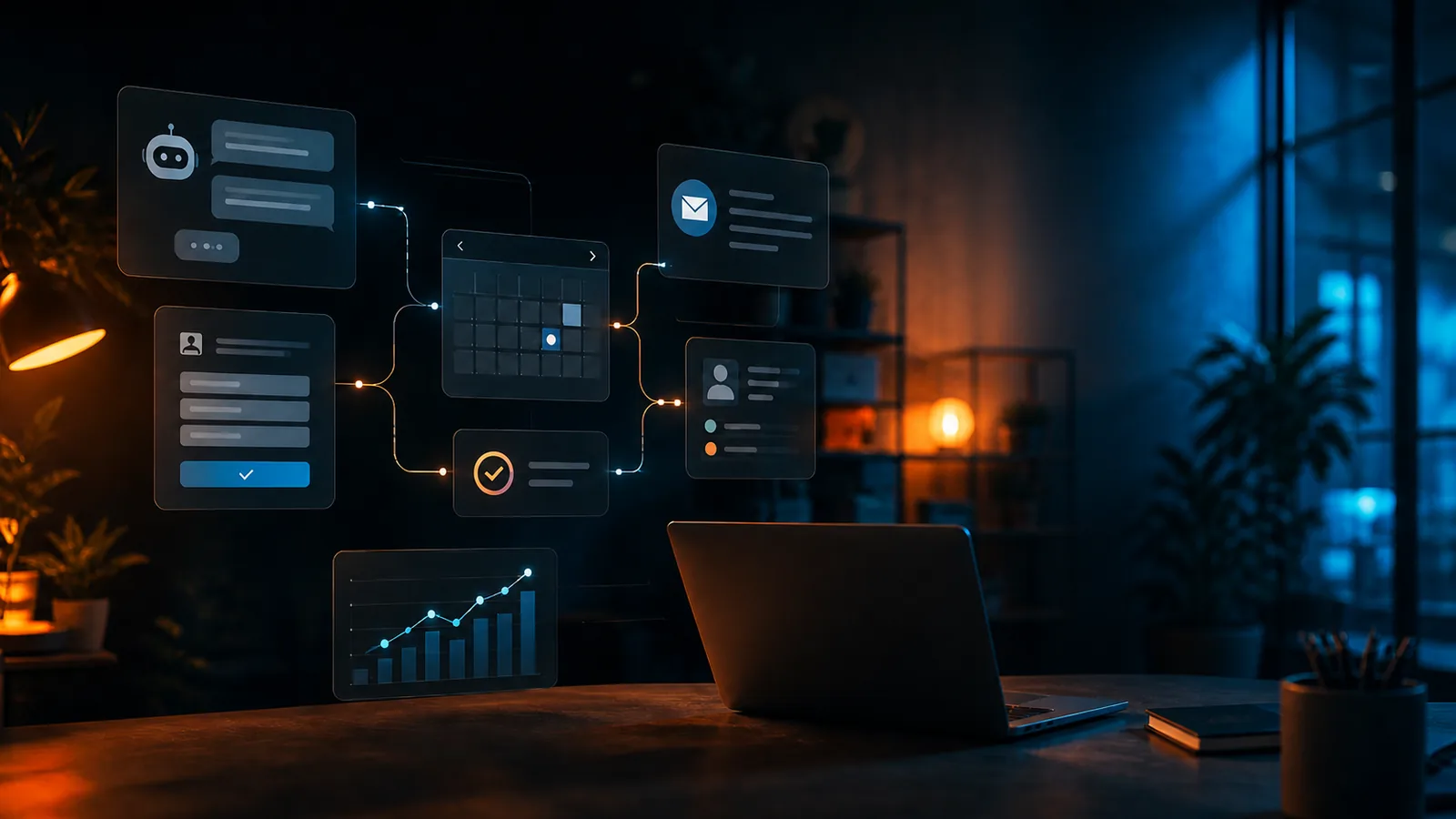
AI Should Save Time, Not Create More Work
For many small business owners, AI still feels like something reserved for large companies, software teams, or people with time to experiment.
But the most useful AI tools for small businesses aren't futuristic or complicated. They're practical systems that help with the work that already happens every day: answering common questions, following up with leads, organizing inquiries, creating content, booking appointments, and making sure opportunities don't fall through the cracks.
The goal isn't to replace the human side of your business. The goal is to reduce repetitive work so you can spend more time on the conversations, decisions, and customer relationships that actually need your attention.
At SiteBuilder Design, we look at AI as part of a larger business system. Your website, Google Business Profile, social presence, email list, forms, chat tools, and follow-up process should work together. AI can make that system faster, more consistent, and easier to manage.
Here are practical AI automations small businesses can use right now.
1. AI Chatbots That Answer Common Questions
One of the simplest places to start is an AI-powered website chatbot.
Most small businesses answer the same questions again and again:
- What services do you offer?
- What areas do you serve?
- How much does this usually cost?
- How do I book an appointment?
- Do you offer emergency service?
- What should I prepare before a consultation?
- Where are you located?
- What are your hours?
An AI chatbot can be trained on your website content, service descriptions, FAQs, policies, pricing ranges, and contact process. Instead of forcing visitors to dig through pages or wait for a reply, the chatbot can guide them toward the right answer and the next step.
This is especially useful after hours. A potential customer may visit your site at 9:30 p.m. and have one quick question before deciding whether to contact you. If your site answers that question immediately, you have a better chance of capturing the lead.
Best use cases
AI chatbots work well for:
- Service businesses
- Local contractors
- Consultants
- Clinics and wellness studios
- Real estate professionals
- Creative professionals
- Online stores
- Portfolio websites
- Agencies and freelancers
The key is to keep the chatbot focused. It should not pretend to know everything. It should answer based on your business information, recommend the right page or service, and collect contact details when a visitor is ready.
2. Lead Capture That Sorts and Qualifies Inquiries
A contact form should do more than send a basic email notification.
With automation, your website forms can collect better information and route leads based on what the visitor needs. For example, someone requesting a website redesign should not go through the same follow-up path as someone asking about SEO cleanup, eCommerce setup, or AI automation.
A smarter lead capture system can ask the right questions upfront:
- What type of project do you need help with?
- What is your timeline?
- Do you have an existing website?
- What is your approximate budget?
- What is the biggest problem you're trying to solve?
- How should we contact you?
AI can help summarize those responses, identify the likely service category, and prepare the lead for follow-up.
Instead of opening your inbox and reading a vague message like "I need help with my website," you can receive a useful summary:
"Potential redesign lead. Existing WordPress site. Main issues: poor mobile layout, slow loading speed, weak local SEO, no clear quote request path. Timeline: within 30 days."
That saves time and helps you respond with more confidence.
3. Missed-Call and Form Follow-Up Automation
Many small businesses lose leads not because they're bad at what they do, but because they're busy.
- A customer calls while you're on another job.
- A form submission comes in while you're with a client.
- A quote request arrives after hours.
- Someone asks a question through social media and never gets a reply.
AI and automation can help close those gaps.
A missed-call text-back system can automatically send a message when someone calls and you don't answer:
"Thanks for calling. Sorry we missed you. What can we help with today?"
A form follow-up can send an immediate confirmation:
"Thanks for reaching out. We received your request and will review it shortly. In the meantime, here are a few details that may help."
For some businesses, the system can also ask a qualifying question:
"Is this for a new project, an urgent repair, a consultation, or general pricing?"
This doesn't replace your personal follow-up. It simply keeps the conversation alive until you can respond.
4. Appointment Scheduling With Smart Reminders
Back-and-forth scheduling wastes a surprising amount of time.
AI and automation can help visitors book the right type of appointment directly from your site. A properly structured scheduling flow can separate different needs:
- Free consultation
- Paid strategy session
- Service appointment
- Estimate request
- Discovery call
- Project kickoff
- Follow-up meeting
Once the appointment is booked, automated reminders can reduce no-shows and confusion.
For example:
- Confirmation email after booking
- Reminder 24 hours before the appointment
- Reminder 1 hour before the appointment
- Preparation checklist before the call
- Follow-up email after the meeting
For service businesses, this can also include location details, parking instructions, upload links for photos, or a short pre-appointment questionnaire.
This type of automation improves the customer experience while reducing admin work.
5. AI-Powered FAQ and Customer Support Responses
If you receive a steady stream of customer questions, AI can help draft replies faster.
This works especially well when the responses are based on repeatable information:
- Service descriptions
- Turnaround times
- Pricing ranges
- Refund or cancellation policies
- Shipping information
- Warranty details
- Project requirements
- Onboarding steps
- Technical support questions
The AI doesn't need to send everything automatically. In many cases, the best setup is "draft first, review before sending."
That means the AI prepares a suggested reply, but you or your team approve it before it goes out. This keeps quality control in place while still saving time.
For example, instead of writing a full response from scratch, you can review and personalize a draft:
"Thanks for reaching out. Based on what you described, it sounds like you may need a redesign rather than a small update. The next step would be a quick consultation so we can review your current site, goals, timeline, and any SEO risks before making changes."
This is faster than starting from a blank screen every time.
6. Review Request Automation
Reviews are one of the most important trust signals for local businesses.
The problem is that many happy customers never leave a review unless they're asked at the right time.
Automation can help by sending review requests after a project is completed, a service is delivered, or a customer has had time to experience the result.
A simple review flow might include:
- A thank-you email after completion
- A review request with a direct Google Business Profile link
- A follow-up reminder a few days later
- An internal alert if the customer had a problem
This can be handled carefully so it doesn't feel pushy. The message should be personal, clear, and easy to act on.
For example:
"Thanks again for choosing us. If you were happy with the experience, a quick Google review would help other local customers find us."
For businesses that rely on local search, this is one of the most practical automations available.
7. AI Content Drafting for Blogs, Social Posts, and Emails
AI can help small businesses publish more consistently, but it should not replace strategy.
The mistake many businesses make is asking AI to "write a blog post" without a clear goal. That usually creates generic content that sounds like everything else online.
A better approach is to use AI for structured content support:
- Turn service knowledge into blog outlines
- Repurpose blog posts into social captions
- Draft email newsletters from recent updates
- Create FAQ sections from customer questions
- Generate content ideas from search terms
- Summarize case studies or project wins
- Create first drafts that a human improves
For example, if a contractor often answers questions about emergency repairs, seasonal maintenance, or quote requests, those questions can become blog posts, FAQs, email tips, and social content.
The business still needs a point of view. AI simply helps move faster.
8. Proposal and Estimate Preparation
Many small businesses spend too much time preparing quotes, proposals, and project summaries.
AI can help organize intake information into a clearer proposal draft.
For example, after a discovery call or form submission, AI can help summarize:
- The customer's problem
- The requested service
- Important project details
- Timeline concerns
- Recommended next steps
- Potential scope items
- Questions that still need to be answered
This is useful for web design, home services, consulting, creative work, marketing, coaching, and many other service-based businesses.
The final proposal should still be reviewed by a person. But AI can help create a stronger starting point and reduce repetitive writing.
9. Internal Task and Workflow Automation
Not every automation has to face the customer.
Some of the most useful automations happen behind the scenes.
For example:
- Create a task when a new form is submitted
- Add a lead to a CRM or spreadsheet
- Tag leads by service type
- Notify the right team member
- Save uploaded files to the correct folder
- Create a follow-up reminder
- Send project details to a project management tool
- Generate a summary of the inquiry
This helps small businesses stay organized without relying on memory or scattered inboxes.
For a growing business, this matters. The more leads, customers, files, and conversations you manage, the more important it becomes to have a system.
10. Personalized Email Follow-Up
Most small businesses don't need complicated email marketing at first.
They need basic, useful follow-up.
AI and automation can help send the right message based on what someone did:
- Submitted a contact form
- Downloaded a guide
- Booked a consultation
- Requested a quote
- Abandoned a cart
- Asked about a specific service
- Completed a project
- Has not responded in several days
For example, someone who asks about a website redesign could receive a short follow-up sequence:
- Confirmation email
- What to prepare before the consultation
- Common redesign mistakes to avoid
- Link to relevant services or case studies
- Reminder to schedule a call
This keeps your business in front of the lead without requiring you to manually write every message.
The goal isn't to spam people. The goal is to be helpful, timely, and relevant.
Where Small Businesses Should Start
The best AI automation isn't always the most advanced one.
Start with the area where your business is already losing the most time or opportunity.
Ask yourself:
- Are we missing calls or slow to respond?
- Do customers ask the same questions repeatedly?
- Are leads coming in without enough information?
- Are we inconsistent with follow-up?
- Are we struggling to publish content?
- Are reviews not being requested consistently?
- Are tasks scattered across inboxes, notes, and spreadsheets?
The answer points to your first automation.
For many small businesses, the best starting point is one of these:
- A smarter contact form
- A website chatbot
- Missed-call text-back
- Appointment reminders
- Review request automation
- Basic lead follow-up emails
These are practical, affordable, and directly connected to revenue.
What AI Should Not Do
AI is powerful, but it should be used carefully.
Small businesses should avoid using AI to:
- Make promises the business can't keep
- Invent pricing or policies
- Give legal, medical, or financial advice without proper review
- Replace personal communication where trust matters
- Send fully automated responses without quality control
- Create generic content with no local or business-specific relevance
Good automation should make your business feel more responsive, not less human.
That's why setup matters. AI tools need clear instructions, accurate business information, and thoughtful boundaries.
AI Works Best When the Website Is Built for It
AI automation becomes much more effective when your website already has a strong foundation.
That means your site should clearly explain:
- Who you help
- What you offer
- Where you serve
- What problems you solve
- What the next step is
- How people can contact you
- What makes your business credible
- What questions customers usually ask
If that information is missing, AI has less to work with.
That's why SiteBuilder Design treats AI as part of the larger Core-4 system. Your website, Google Business Profile, social presence, and follow-up process should support each other. AI can then help connect the dots by answering questions, capturing leads, organizing requests, and keeping conversations moving.
Final Thought: AI Should Make Your Business Easier to Choose
Small business AI doesn't need to be complicated.
The best automations are simple, useful, and tied to real business outcomes.
- They help customers get answers faster.
- They help owners save time.
- They help teams stay organized.
- They help leads receive better follow-up.
- They help businesses look more professional and responsive.
AI should not be treated as a gimmick. It should be treated as practical infrastructure.
When your website, search presence, content, and follow-up systems are connected, AI becomes more than a tool. It becomes part of the way your business gets found, earns trust, and turns interest into action.
Ready to make your website and follow-up process work smarter?
SiteBuilder Design helps small businesses build practical AI automations that support real customer journeys, from first visit to follow-up. Contact us to discuss your website, lead capture, chatbot, or automation setup.
Related service hub
Continue with AI Chatbots & Automation
See how AI assistants, chatbots, and automation support small business websites.
View the service hubNeed a clearer system?
Let’s make your website work harder.
SiteBuilder Design builds websites, SEO foundations, eCommerce flows, AI support, and follow-up systems that work together.